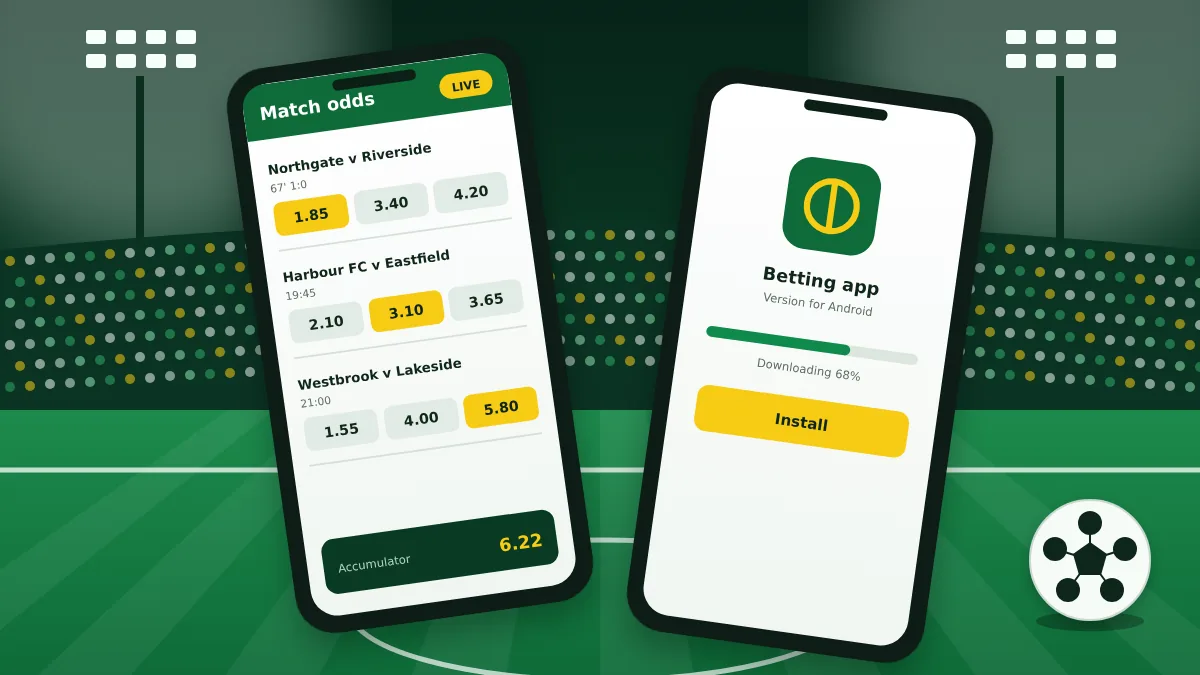
Installing on Android
In many countries the Android app is not in Google Play, so it is installed from an APK file of about 70 MB. Download it only from the bookmaker's own mobile page.
- Open the mobile applications page on BetWinner's site.
- Tap the Android button and wait for the download.
- Allow your browser to install unknown apps when asked.
- Open the file, confirm the installation and sign in.
Android shows a warning for every app installed outside the store. That is expected here, as long as the file came from the official source.
Installing on iPhone and iPad
On Apple devices the app is installed from the App Store where it is offered for your region. It is larger than the Android version, at around 260 MB.
- Follow the iOS link from the bookmaker's mobile page.
- Tap Get and confirm with Face ID, Touch ID or your password.
- Open the app and log in.
If the store reports that the app is not available, it is not listed for your region, and the mobile site is the alternative.
What the app offers
The app is not a cut-down version. Nearly everything on the desktop site is included:
- pre-match and live betting with automatic odds updates;
- the full casino and live casino lobby;
- deposits, withdrawals and transaction history;
- push notifications for goals, settled bets and offers;
- fingerprint or face login on supported phones;
- support chat inside the app.
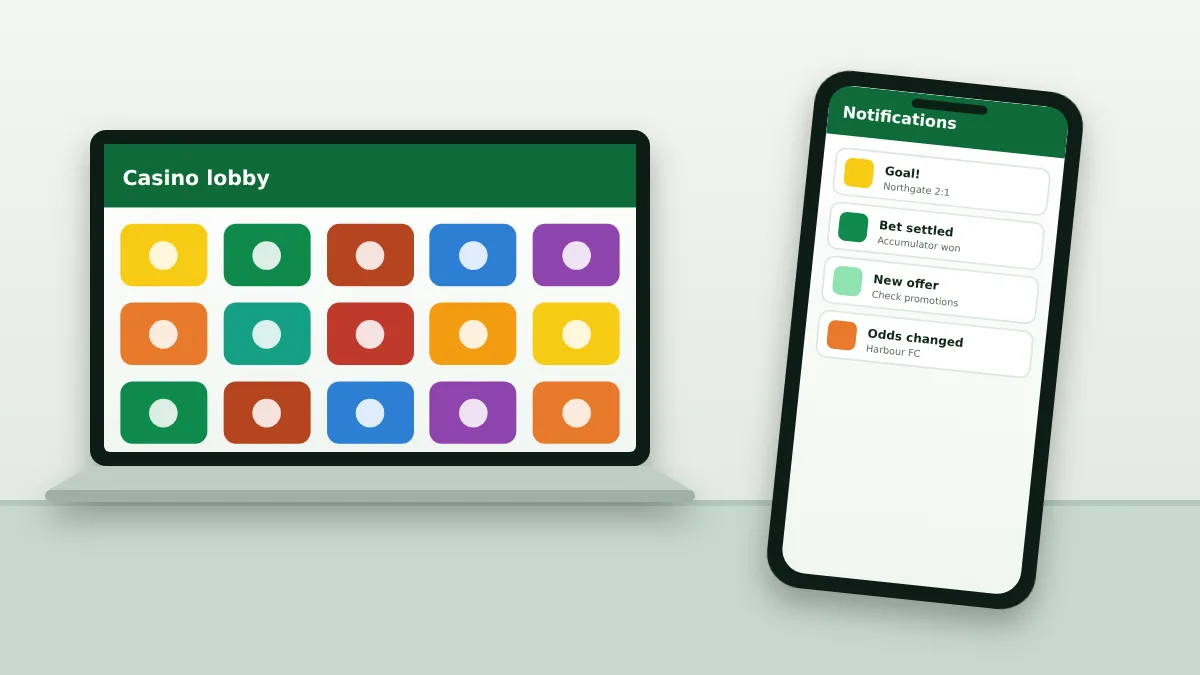
App or mobile site
Both let you do everything that matters. The choice is about convenience and storage.
| Point | App | Mobile site |
|---|---|---|
| Installation | Required | None |
| Speed on weak networks | Faster | Slower |
| Data use | Lower | Higher |
| Notifications | Yes | No |
| Updates | Manual on Android | Always current |
Troubleshooting
If the app will not install or run, one of these usually fixes it:
- allow unknown apps for the browser you downloaded with;
- free up storage and remove any older version first;
- switch between Wi-Fi and mobile data;
- download a fresh copy of the latest file.
Avoid copies. APK files shared in chats or on file sites may be tampered with and can steal your login.
App questions
What players ask about the mobile app.
Is the BetWinner app free?
Yes. Downloading and using the app costs nothing. Your mobile operator may charge for the data used, and live streams use the most.
Why is the Android app not in Google Play?
Store policies restrict real-money gambling apps in many countries, so the bookmaker distributes the Android version as an APK file from its own website.
Is it safe to install an APK?
It is as safe as its source. Download the file only from the bookmaker's own site, never from third-party catalogues, and switch the unknown-sources permission off again after installing.
Can I get the welcome bonus in the app?
Yes. Registration, the bonus choice and deposits work the same way in the app as on the website, and the offer is tied to the account, not the device.